Software · Products · Experiments
Good ideas.
Wildly well built.
We design and build useful software for businesses — and develop products from problems worth solving again.
01 / Find the signal
Your customers are asking.
We start with the task people need to complete.
SAMPLE SCENARIO · A LAUNCH ACROSS MARKETS · NOT A CLIENT PROJECT
THE STARTING POINT
Instagram DMsRegional inboxesA form nobody owns
The useful signal: let people tell you where and when they want in.
02 / One clear way in
One way in. Every market.
A clear interface makes the next action obvious.
SAMPLE SCENARIO · A LAUNCH ACROSS MARKETS · NOT A CLIENT PROJECTBe first
SAMPLE INTERFACE / REGISTER INTEREST
Be first
in your market.
Your choice carries into the handoff below. This is a demonstration, not a real registration.
03 / The handoff
Handed to the right team.
Connected workflows, with people in control.
SAMPLE SCENARIO · A LAUNCH ACROSS MARKETS · NOT A CLIENT PROJECT
EUROPE / SAMPLE REQUEST
- Request received ✓
- Check market allocation Available
- Regional team reviewWaiting
A person stays in control of the final decision.
Local demonstration only. No request is saved and no email is sent.
04 / Ready to run
A clear next step. An accountable owner.
Clear status, visible ownership and a defined next action.
SAMPLE SCENARIO · A LAUNCH ACROSS MARKETS · NOT A CLIENT PROJECT
THE SAME REQUEST / NOW WITH CONTEXT
- Market
- Europe
- Current state
- Awaiting regional review
- Next owner
- Europe launch team
A clear interface. A visible handoff. An exception with a next step.
Now inspect the real workThe worlds
Selected builds.
Founder-built products and experiments, with their current scope made clear.
SELECTED BUILDS / FOUNDER-BUILT PRODUCTS AND EXPERIMENTSThinking, made
Thinking, made
inspectable.
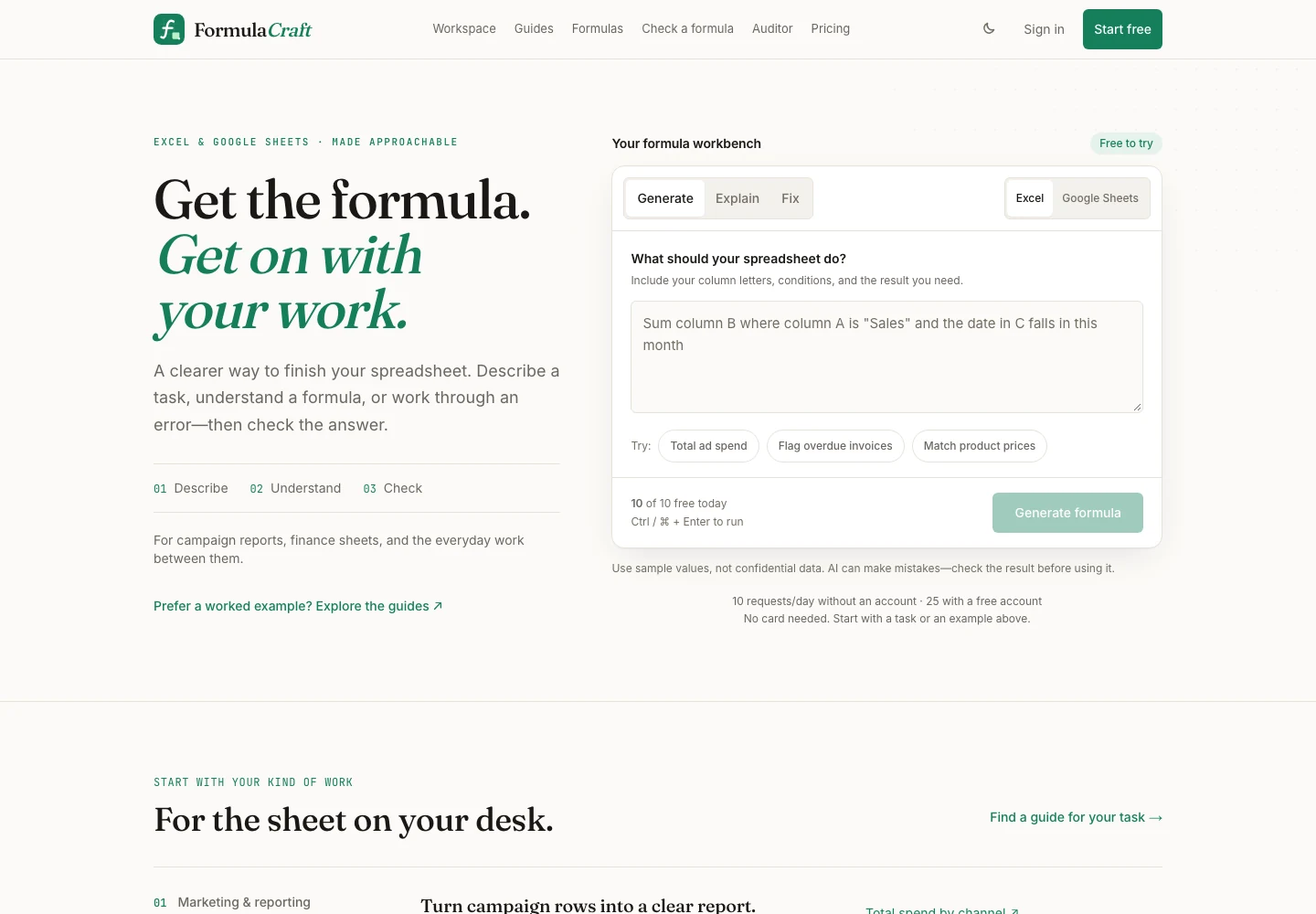
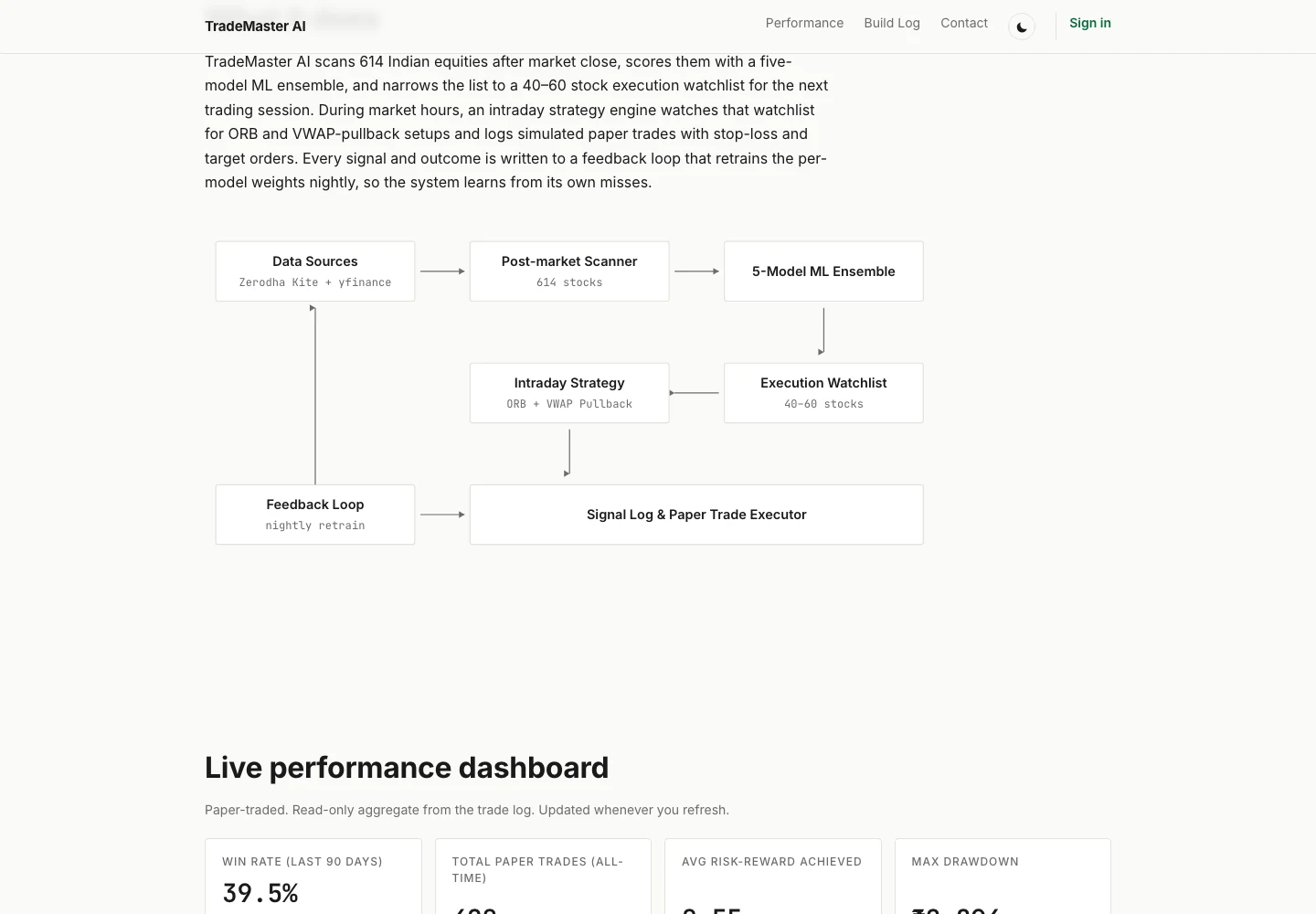
Founder-built products and experiments, with their current scope made clear. Real public interfaces and specific product decisions.
See the full portfolio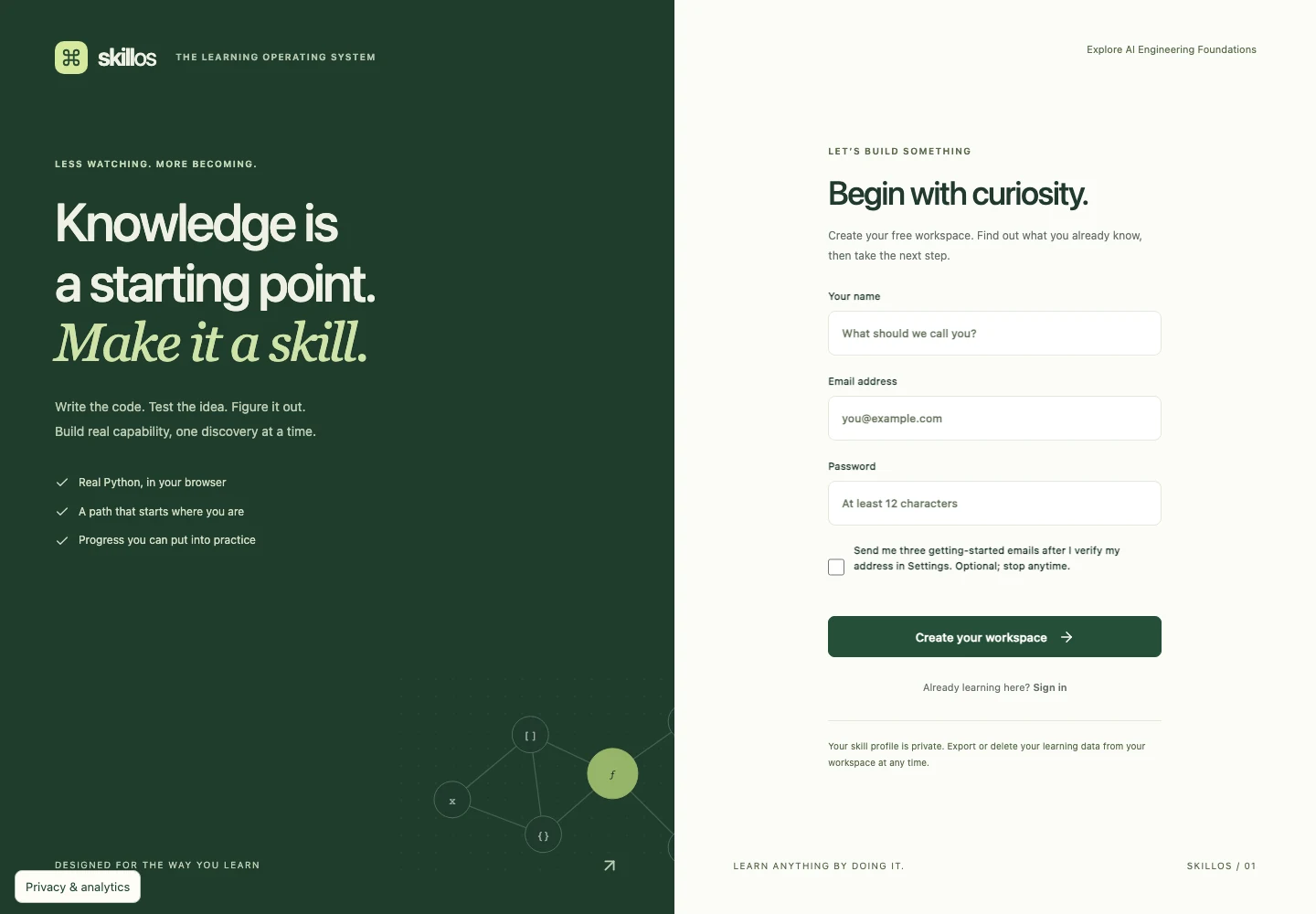
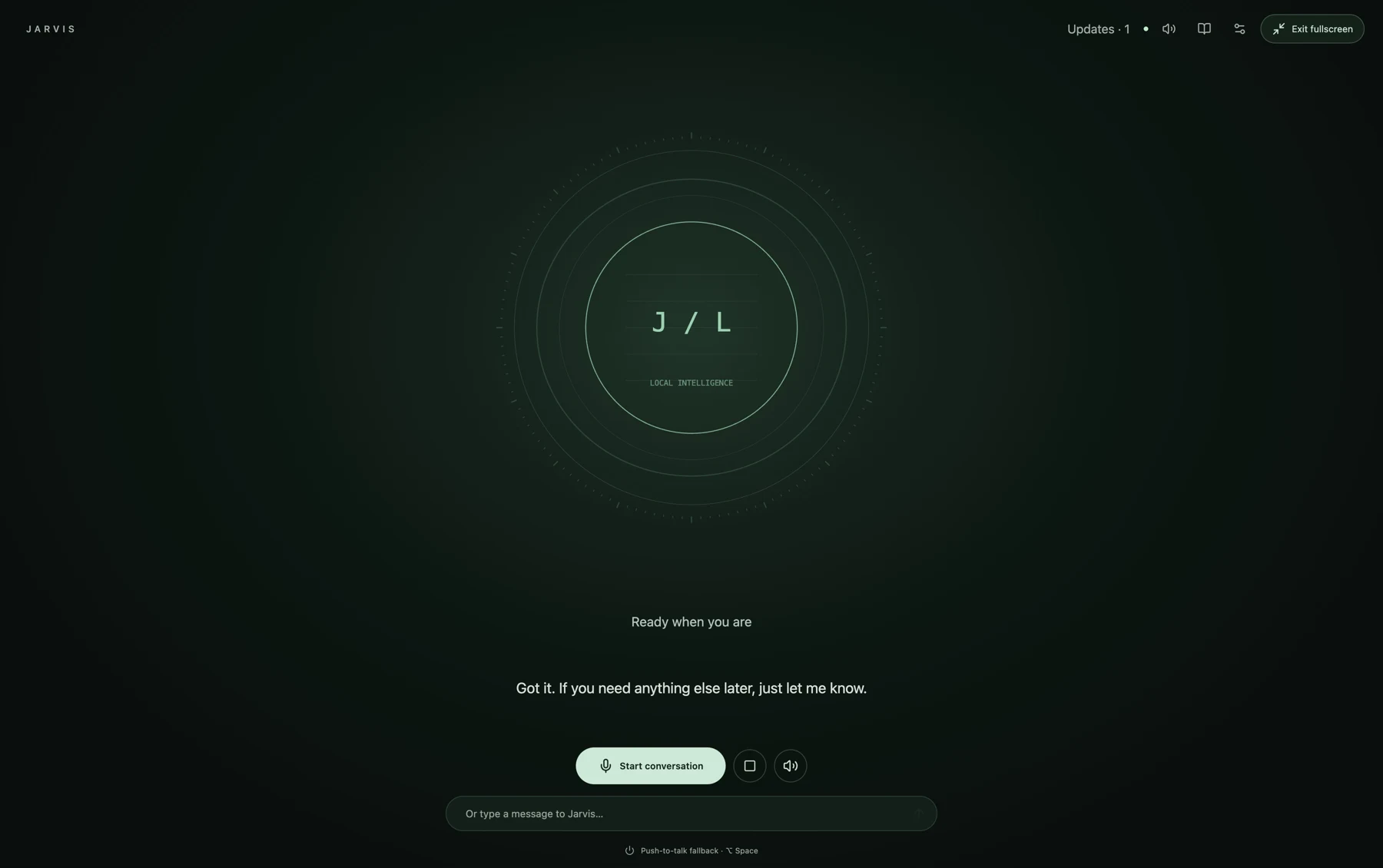
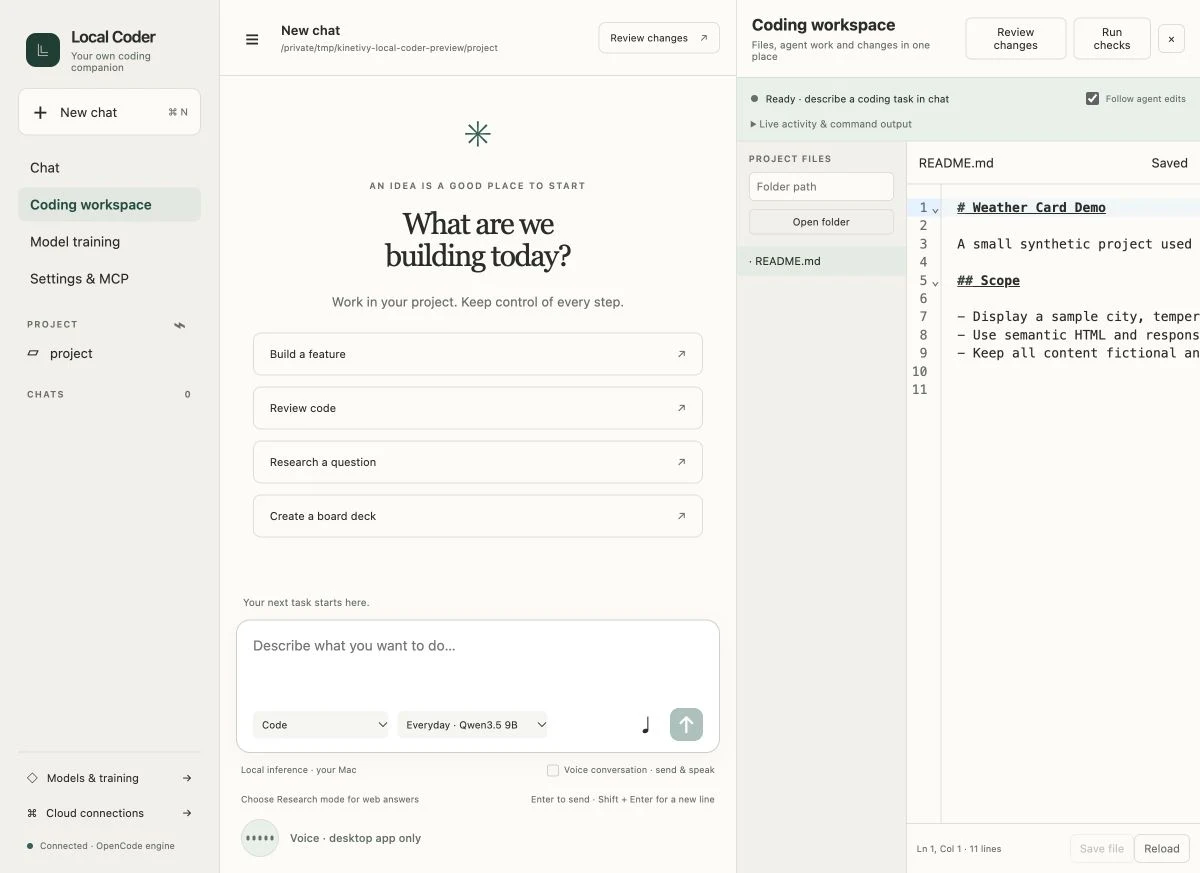
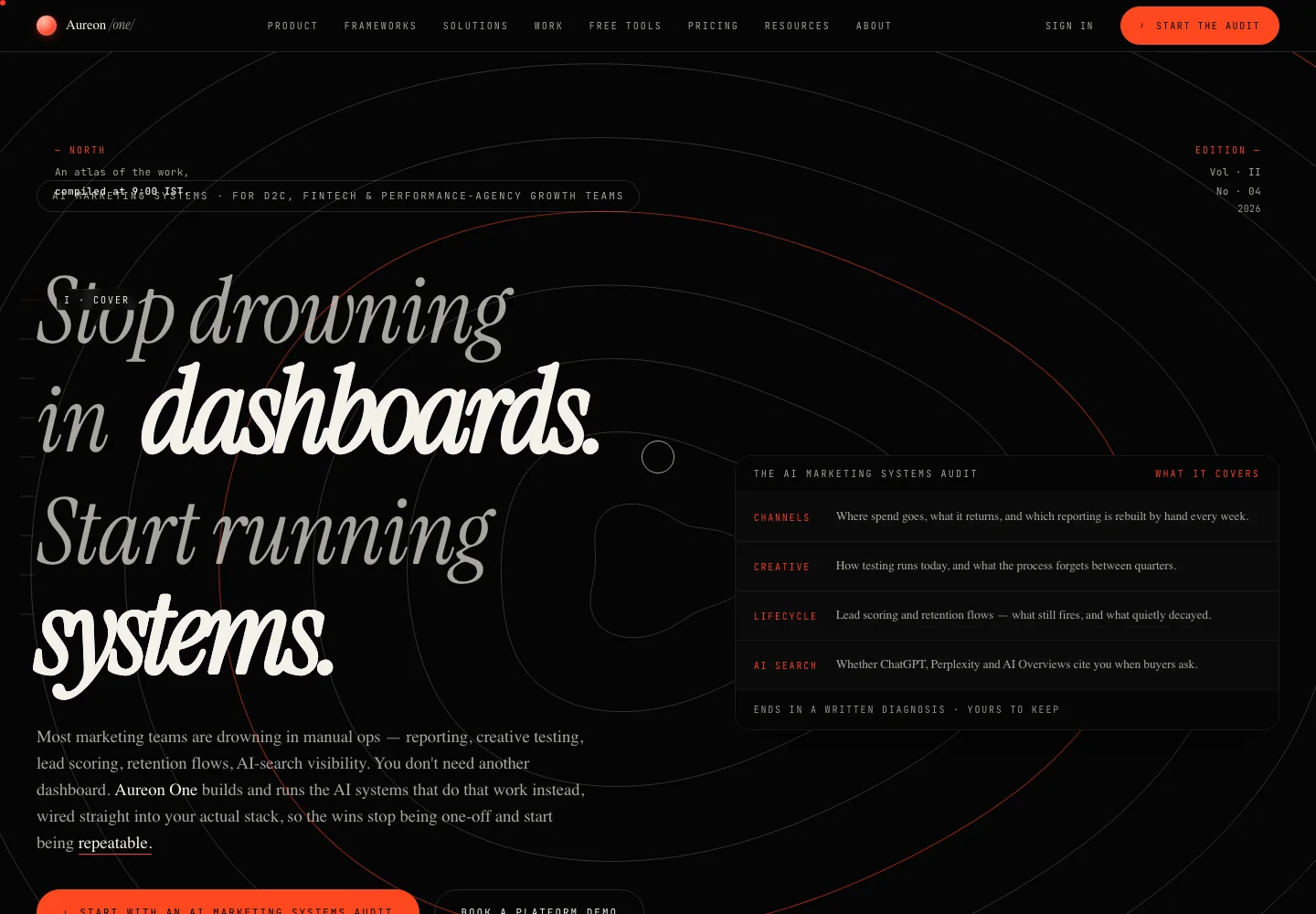
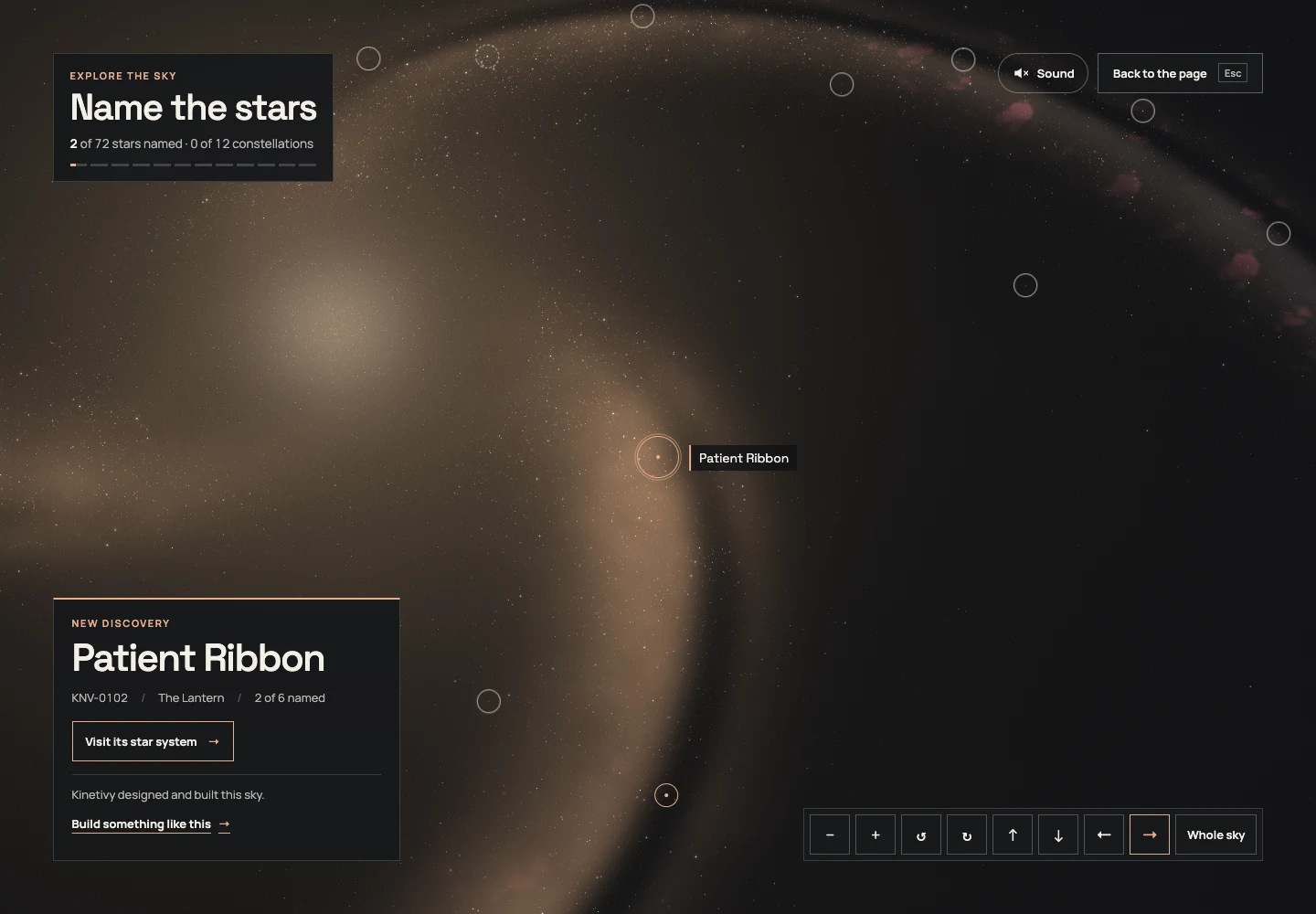
Kinetivy Labs / Working experiments
Working instruments,
not mockups.
Ten working tools with live instruments, five classics and five premium products; the tools still work where 3D does not.
Ten tools you can
use right now.
Five classic instruments and five modern premium products. Each one is a working concept tool with a real 3D instrument that answers as you use it. Drag to turn it any way round, above and below; pinch or use the buttons to look closer; tap a part to learn what it is. Everything is drawn live in your browser.
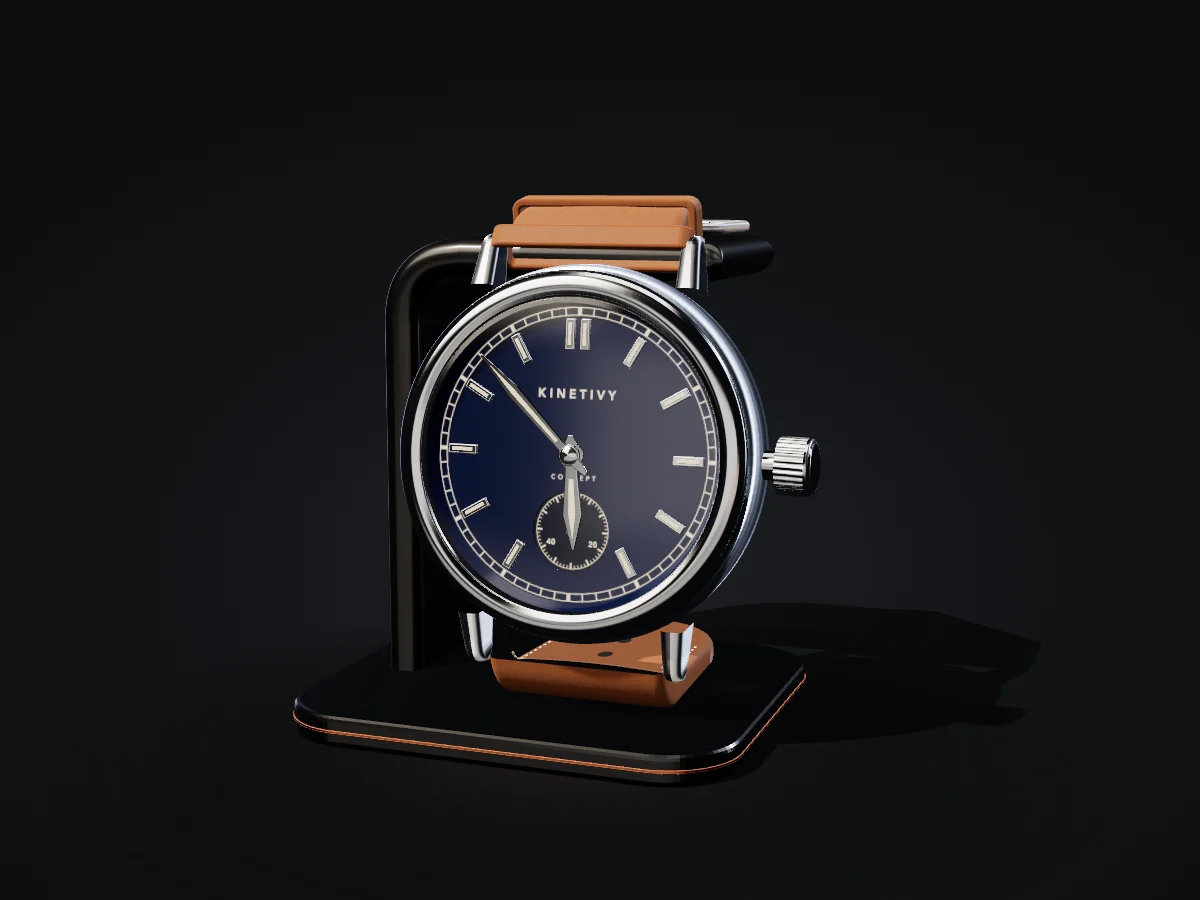
01 / CONFIGURATOR
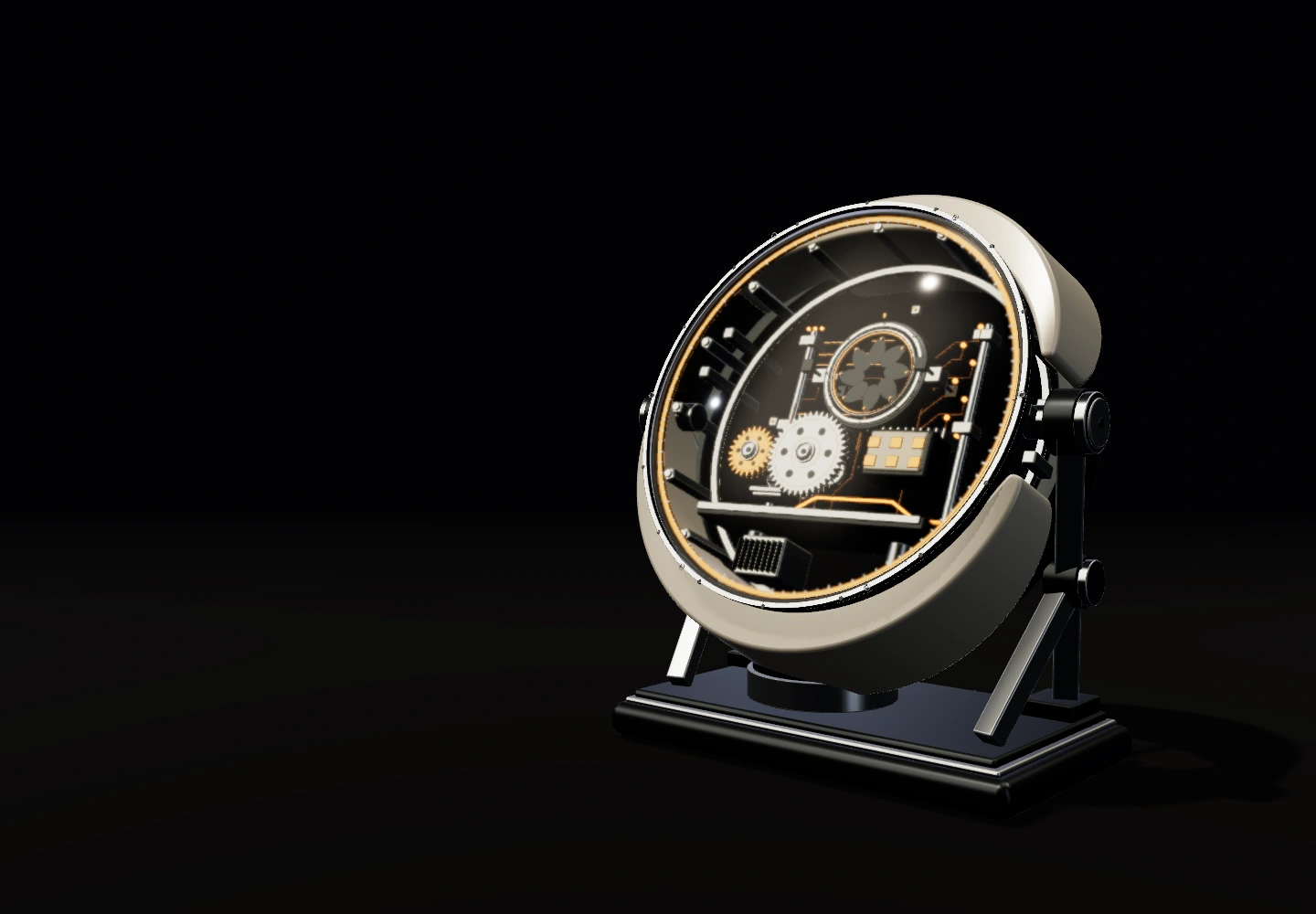
Configure a watch
Steel case, fluted bezel, blue sunburst dial and three-link bracelet, with the date.
What it shows. Every choice changes the model in front of you: metal, bezel, dial, bracelet, the date and a live engraving on the caseback. The finished watch travels in a link.
02 / CALCULATOR
How much time could a better handoff give back?
times
minutes
weeks
230 hours a yearabout 29 working days of 25 handoffs a week, 12 minutes each, over 46 weeks
Your own numbers and plain arithmetic (times a week × minutes × weeks ÷ 60): a planning aid, not a promise of savings.
What it shows. Your three numbers set the sliders, a turn of the crank carries the answer to the register, and the digits roll into place like an odometer.
03 / ASSESSMENT
Is your idea ready for an interactive tool?
0 of 4 answeredThe needle settles once every question has an answer.
A quick orientation for a concept demonstration, not professional advice.
What it shows. Four questions steer a real compass needle, swinging and settling as a needle does, while the gimbal rocks until the answer is sure.
04 / COMPARISON
Compare two approaches
Calculator carries more weight for you.Calculator 28 Configurator 26, from our 1–5 ratings weighted by your answers.
Our ratings behind the weighing
| Approach | Quick to launch | Precise answers | Memorable to use | Easy to keep current |
|---|---|---|---|---|
| Guided checklist | 5 | 2 | 2 | 5 |
| Calculator | 3 | 5 | 3 | 3 |
| Quiz | 4 | 2 | 4 | 4 |
| Configurator | 2 | 4 | 5 | 2 |
The pan with more weight of evidence sinks. Ratings are our general view; your weighting decides.
What it shows. Weigh two kinds of tool against what matters to you. The pans take on brass weights and the beam swings to the heavier side.
05 / EXPLORER
Explore a system at your own pace
EarthEarth takes 365 days to circle the Sun, at about 1 AU. The only world known to keep liquid water on its surface.
Positions use average circular orbits: close enough to explore, not for navigation. The model is not to scale.
What it shows. Real orbital periods drive a brass mechanism. Pick any date and the planets wind to where they really are; tap one to learn about it.
06 / CONFIGURATOR
Configure a pair of headphones
Moss lacquer earcups, leather cushions and copper accents.
What it shows. A premium-audio configurator: finish, cushions and accents change the pair on its stand as you choose, an engraving is stamped inside the headband, and the finished pair travels in a link.
07 / CALCULATOR
How much of the picture is in focus?
mm
metres
0.87 m in focusAt 50 mm, f/4 and 3 m on full frame, about 0.87 m is sharp: from 2.63 m to 3.49 m. Hyperfocal distance 20.9 m; the view is 39.6° across and 46.8° on the diagonal.
A geometric calculation from the thin-lens formulas, with a circle of confusion of 0.030 mm on full frame and 0.019 mm on APS-C. Real lenses vary with their design, focus breathing and how large the picture is viewed.
What it shows. Focal length, aperture and distance set a real depth-of-field calculation; the iris blades open and close, the focus ring turns and the barrel extends as the numbers change.
08 / GUIDE
Dial in a shot
g
s
BalancedA balanced shot: 18 g in, 36 g out in 28 s. That is 1.29 g/s, inside our 1.0–1.6 g/s window for a medium roast.
A demonstration of a guided tool. The flow windows are a starting point, not a rule: beans, water, grinder and machine all vary, so let the taste decide.
What it shows. Dose, ratio and time make a recipe and a verdict: the gauge climbs to nine bar, the cup fills to the yield you set, and the guidance says whether to grind finer or coarser.
09 / FITTING
Find a frame that suits you
A balancing contrastStraight lines and corners give an oval face a little more definition without upsetting its balance. For another contrast, try cat-eye.
Square frame in tortoise acetate with smoke lenses.
Face-shape pairings are common styling conventions, offered as guidance rather than a measurement of your face. Try a pair on before you choose.
What it shows. Face shape, frame, material and tint make a fitting: the frame changes shape in front of you, the lenses take their tint, and the guidance explains the balance it is aiming for.
10 / COMPOSER
Compose a fragrance
Woody, lastingA woody composition: bergamot opening to a rose heart on a sandalwood base, lasting.
A demonstration of how a composition tool could guide a choice: the colours, families and wear here are an illustrative model, not a prediction of how a real perfume would smell or last.
What it shows. Top, heart and base notes make an accord: the liquid takes the blend’s colour, the label carries the name you give it, and the guidance describes how the composition would open and last.
What we build
One partner.
Four crafts.
Websites, web applications, connected workflows and interactive tools.
- 01SHOW UP & STAND OUT
Websites with presence.
A new home for your business. Clear messaging, distinctive design and a journey that makes the next step feel natural.
Brand & service websites · Landing pages · Content systems · Search foundationsExplore the service - 02TURN AN IDEA INTO SOMETHING USEFUL
Apps with a purpose.
From a focused first product to a better way of working. Interfaces shaped around real people and the jobs they need to do.
Web apps · Customer portals · Internal tools · Product prototypesExplore the service - 03CONNECT THE DOTS
Workflows that flow.
Bring your tools together and give repetitive work somewhere else to go. Designed with clear handoffs, approvals and failure reporting.
Tool integrations · Business automations · Approval flows · AI-assisted workflowsExplore the service - 04MAKE YOUR MARK & START A CONVERSATION
Assets that spark action.
Give people a reason to engage before they buy. Useful, interactive experiences built around your expertise and your audience.
Calculators · Quizzes & assessments · Configurators · Campaign experiencesExplore the service
How we work
Clear scope.
Proper handover.
AI helps us explore and build. Thoughtful people give the work its direction.
We combine quick experimentation with considered design, code review and testing. Every project gets a clear scope, visible progress and a proper handover.
- Studio
Software built for businesses: websites, web apps, connected workflows and interactive tools, delivered to a clear scope.
The capabilities - Labs
Working experiments and technical explorations — the instrument bench, this world, the sky — made to learn from in public.
Try the instruments - Products
Independent products developed from problems worth solving again, each with its current scope made clear.
Selected builds
- 01
Find the real thing.
We ask questions, understand your business and define what a useful first version looks like.
- 02
Make it take shape.
We explore the experience, design with intent and build in small, visible steps.
- 03
Put it into the world.
We review, test and launch, then hand over the work with the guidance to keep it moving.
OPTIONAL · AFTER HANDOVER
Ongoing care is scoped separately from the project: updates, maintenance and thoughtful improvements, only if you want them.
OWNERSHIP AND HANDOVER, IN THE GUIDES
 CURIOUS BY NATURE.
CONSIDERED BY DESIGN.
Your Project Blueprint
Ready to start?
A little clarity, on usBig idea.
Big idea.
Meet first step.
Turn the thing in your head into a brief you can actually use. A few choices. A clearer direction. Yours to keep.
Free. Instant. No email needed.
- 01The goal
- 02The ingredients
- 03The starting point
- 04Your blueprint
STEP 01 / 03
What would you like to move forward?
A good idea starts with a conversation.
Tell us the one thing you want to move forward. A short inquiry is enough to start.
A FEW GOOD QUESTIONSGlad you
Glad you
asked.
What does Kinetivy make for small businesses?+
Kinetivy designs and builds websites, custom web apps, workflow automations and interactive tools for small businesses worldwide. Each project starts with a useful task: explaining an offer, helping a customer, connecting a process or exploring a decision.
Do I need a website, a web app or an automation?+
Start with what needs to happen. A website explains your offer and helps visitors take a next step. A web app lets people complete a task, such as reviewing a request or managing information. An automation moves work between existing tools using agreed rules. A project may combine these, but the first scope should solve one clear problem.
How do we decide what belongs in the first release?+
Choose the main user, the task they need to complete and what a useful result looks like. Then identify the content, data, permissions and connections that task requires. Kinetivy uses those decisions to define a written scope, acceptance criteria and exclusions before agreeing price or timing.
Can I use the Project Blueprint without giving my email?+
Yes. Choose your goal, project ingredients and starting point, then edit and download your brief as a Markdown file. The Project Blueprint is free and needs no signup or email address. It is a planning document you can keep or share; it is not a quote or a delivery commitment.
Are the projects shown here client work?+
The portfolio includes products and tools built by the maker behind Kinetivy, with public previews and private builds labelled. It also includes original Kinetivy concepts with fictional brands and sample data. The concepts are demonstrations, not client endorsements or claimed business results.
How do scope and pricing work?+
Every project begins with a conversation about goals, requirements and what already exists. We then agree a written scope, milestones and a quote. Third-party subscriptions and any ongoing care are discussed separately.
What does AI-assisted development mean?+
We use modern AI tools to explore ideas and help write code. Design decisions, reviews and testing are part of the process. We agree how data and external tools are used before a project begins.
What happens after launch?+
We agree the ownership, access, documentation and handover in your project scope. Optional ongoing care can cover maintenance, updates and further improvements, with responsibilities clearly defined.