
Make the formula
make sense.
A public workbench for generating, understanding and checking Excel and Google Sheets formulas.
Visit FormulaCraftCurrent status: Live public website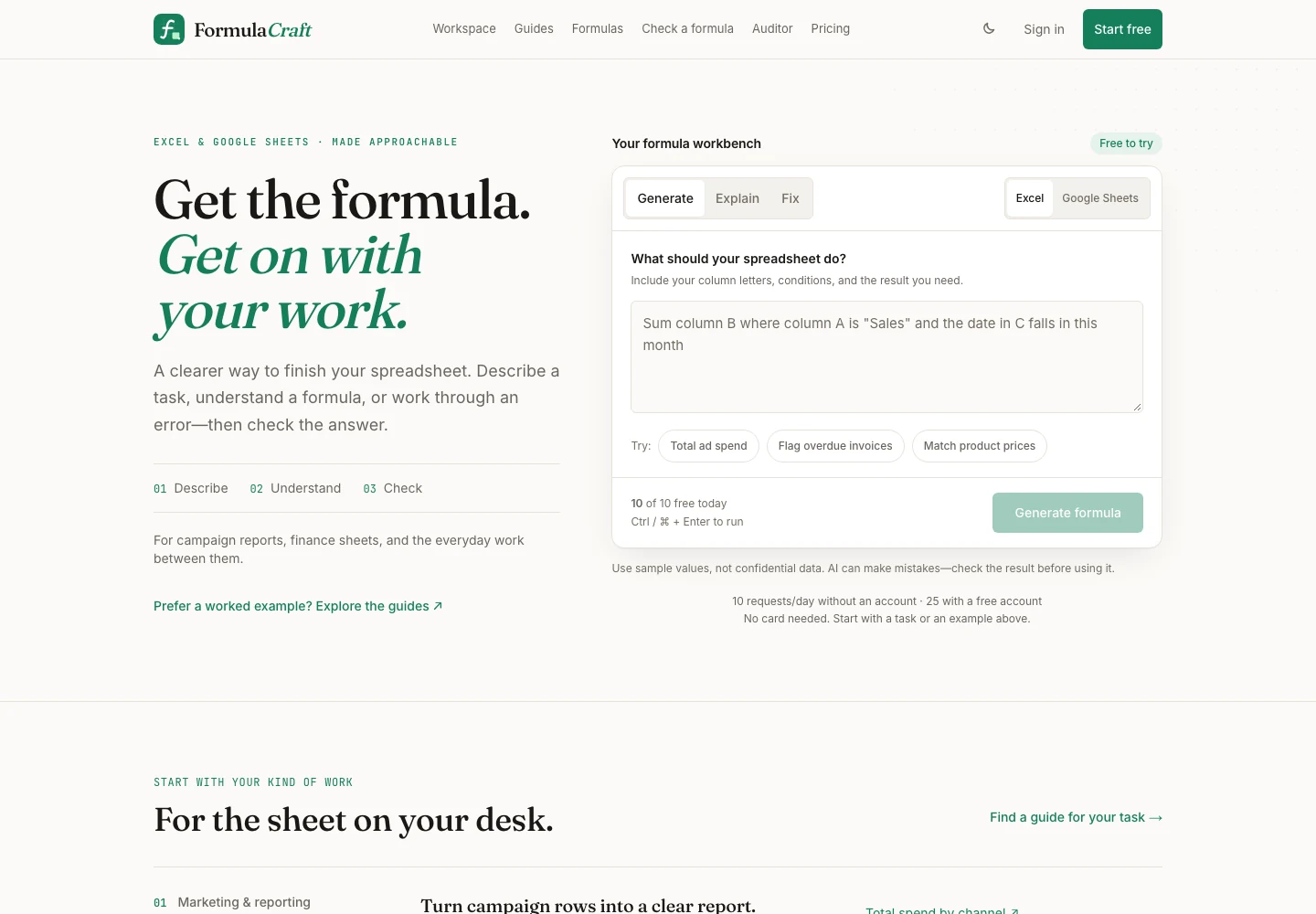
A specific job.
A deliberate shape.
The public FormulaCraft workbench begins with a spreadsheet task, then offers distinct routes to generate, explain or fix a formula. It asks for column letters, conditions and the intended result, so the request carries the context a formula needs.
Role & scopeFounder-built product: product direction, interface and implementation across the public FormulaCraft experience.
Three choices
visible in the build.
- 01
Stage the work as describe, understand, check.
The public interface makes the path explicit: describe the spreadsheet task, understand the formula, then check the answer before using it.
- 02
Keep spreadsheet context visible.
The workbench asks for column letters, conditions and the needed result, with an explicit Excel or Google Sheets choice before formula actions.
- 03
Put a runnable check beside the answer.
Visitors can edit a sample grid or formula and run supported formulas through HyperFormula before taking the result into their own sheet.
Open the public
product record.
Try the workbench
The public workspace supports Generate, Explain and Fix actions without an account for the stated daily allowance.
Explore a verifier
The public checker accepts editable sample values and formulas, then returns a calculation from the supported spreadsheet engine.
Continue with a file
A public spreadsheet auditor is presented for finding formula errors and risky patterns in an .xlsx file while keeping the original.