
Ten working instruments.
Open one, keep it, embed it.
An interactive tool that lives only on one page is a feature. One a visitor can open on its own, send to a colleague and place in another site is a product.
The bench’s ten working tools as a standalone product: a page per instrument, links that keep a configuration, and an embed for other sites.
Open the instrument bench (opens in a new tab)Current status: Live demonstration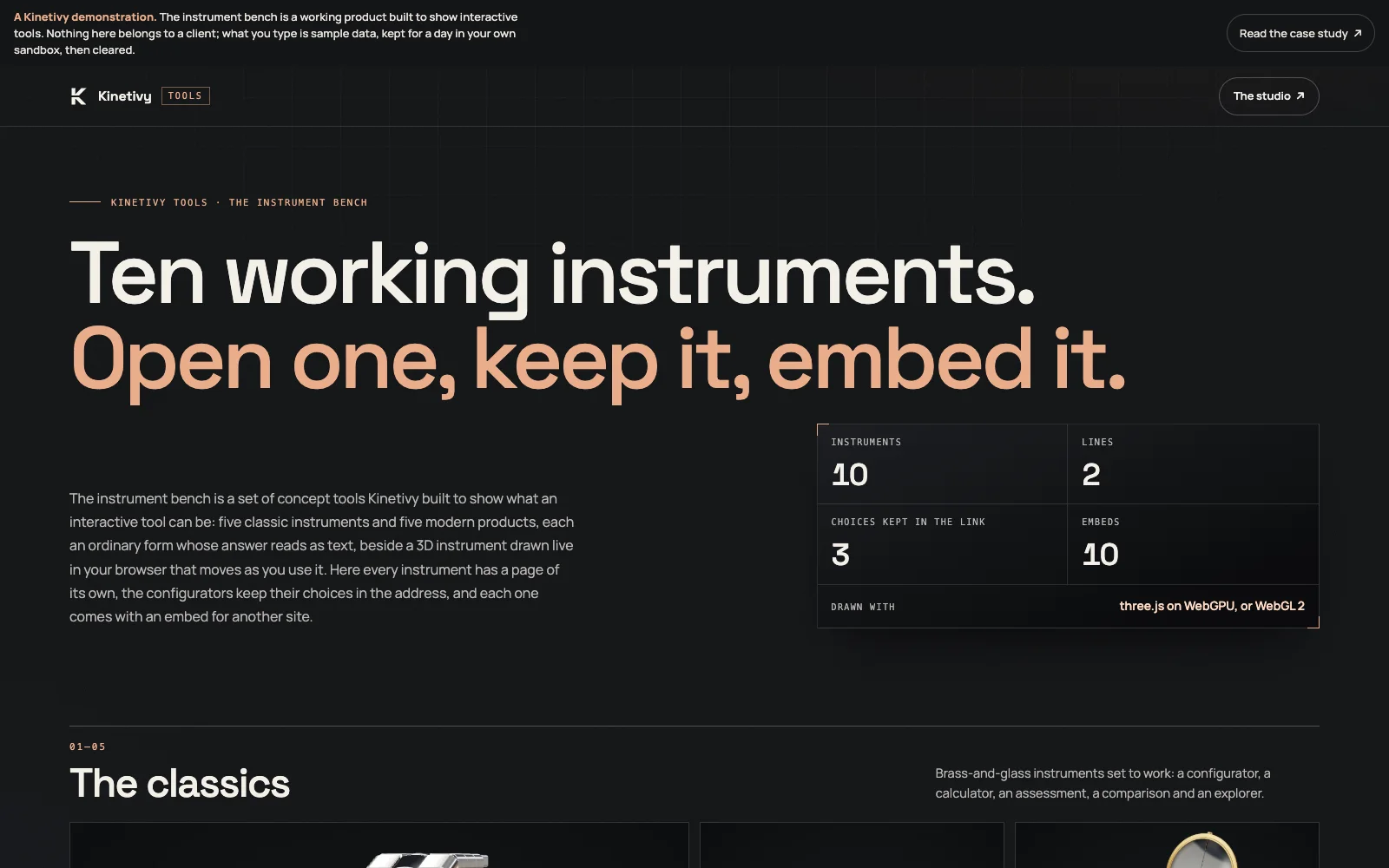
A specific job.
A deliberate shape.
The bench began as a section of this website: ten concept tools, each an ordinary form whose answer reads as text beside a 3D instrument drawn live in the browser. The demonstration turns that section into a small product. Each instrument has a page of its own, the three configurators keep their choices in the address so a link restores them, and every instrument has an embed route that carries the stage and the tool and nothing else. The site’s bench component serves both hosts through four optional props, so the website keeps its behaviour and its tests.
What this means for youWhat Kinetivy would bring to a project like yours: an interactive tool designed to be used, shared and embedded, with the plain, accessible version underneath it first.
Three choices
you could reuse.
- 01
Make the embed a route of its own, and the only framable one.
The server allows framing for the embed route alone and refuses it everywhere else, so opening the product to other sites never opens its own pages to clickjacking. For your tool, that is how an embed is offered without weakening the product around it.
For youA tool your visitors can share and other sites can carry, with the security of your own pages intact.
- 02
Keep the state in the address.
A configuration is written into the link as it changes, so the same link restores it on the instrument’s page and inside an embed, and “copy a link” reads the address at the moment it is pressed. For your visitors, every configuration they make is something they can send.
For youLinks that restore exactly what a visitor configured, on your page or inside an embed.
- 03
Load the 3D only for the instrument in front of you.
The page’s own code is small; the renderer, the stage and each instrument arrive as separate chunks when a stage is about to draw, and a device without a hardware renderer keeps the still and a tool that still answers. For your project, the heavy part never stands between the visitor and the answer.
For youA product whose heavy 3D never delays the plain answer, on whatever device the visitor has.
Open the public
product record.
Open an instrument
Each of the ten has a page with its stage, its tool, the parts it names, a copy-link button and an embed snippet.
Embed one
The embed route serves a compact stage and tool with a credit link, framable by any site; the product’s own pages refuse framing.
Checked by its tests
Twenty-one browser journeys and eleven Node tests: the routes, the restored configurations, the framing headers, keyboard access, 44 px targets, no overflow at 320 px and zero axe violations at 1440 and 390 px.
The next build
could be yours.
Every decision on this page can be pointed at your business instead: your visitors, your data, your next release. Start with a free, editable Project Blueprint, kept in your browser. No email needed.
A good idea starts with a conversation.
Tell us the one thing you want to move forward. A short inquiry is enough to start.